Oxygen
Customizer

Tune OxygenOS down to the clock.

Oxygen Customizer is a free, open-source Xposed module for rooted OnePlus, OPPO and realme phones. Move the clock, swap every statusbar icon, remap the Plus Key and rebuild Quick Settings, all without flashing a new ROM.

Every statusbar icon, your pick.

These are the signal, Wi-Fi and battery styles shipped in the app, drawn from its own vector files. Choose one to put it in the bar, then drag the strength slider to see how it reads on a weak connection.

    Made for OxygenOS, not ported to it.

    Most of what Oxygen Customizer changes only exists on OnePlus, OPPO and realme phones: the Now Bar, the Plus Key, Pixelworks display chips and the OnePlus Launcher. These are the parts you will not find in a generic Android customizer.

    Lockscreen

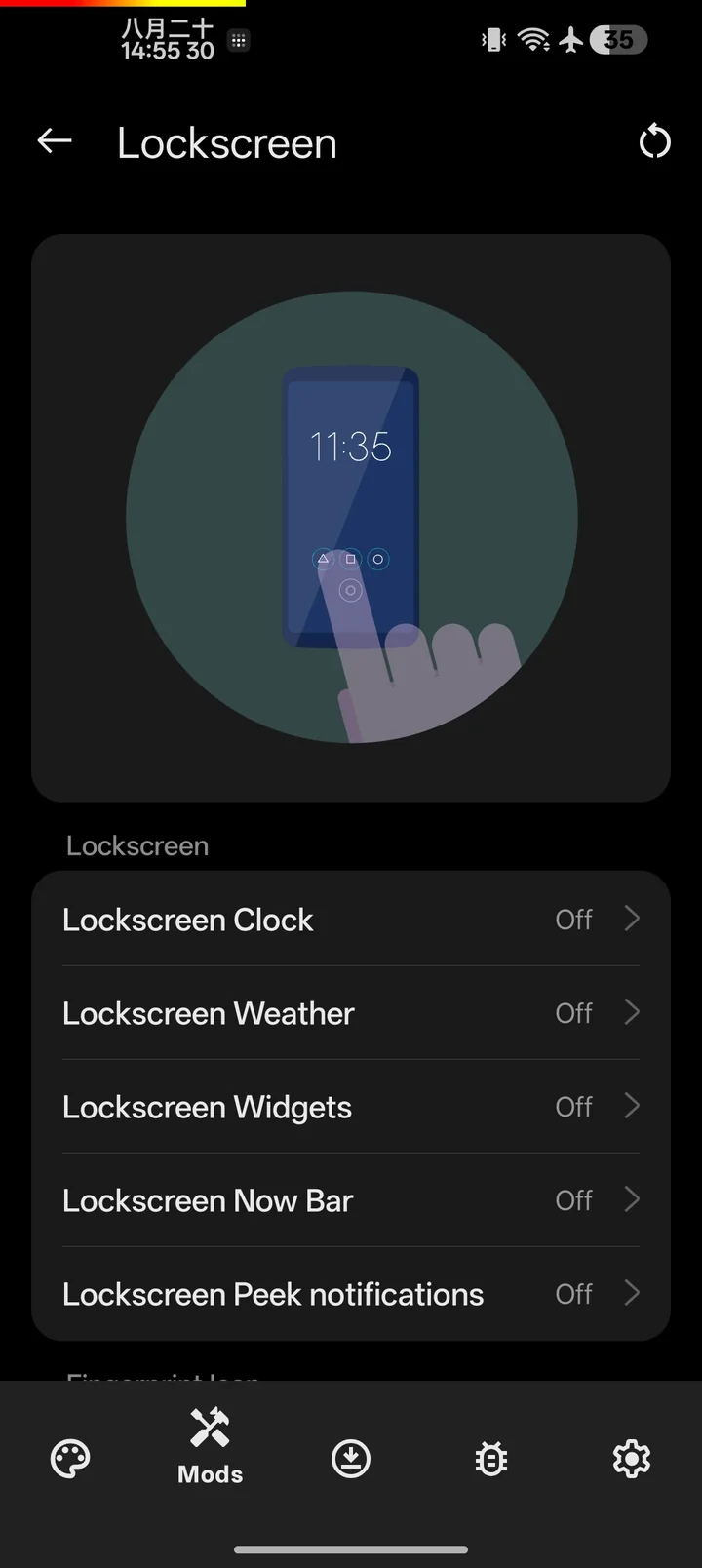
    Now Bar and Peek notifications

    Turn the space between the lockscreen shortcuts into a live bar for music, battery, weather or your latest notification. Tap the album art to open an extended player over blurred artwork. Peek notifications add compact cards to the top or bottom of the lockscreen.

    Always On Display

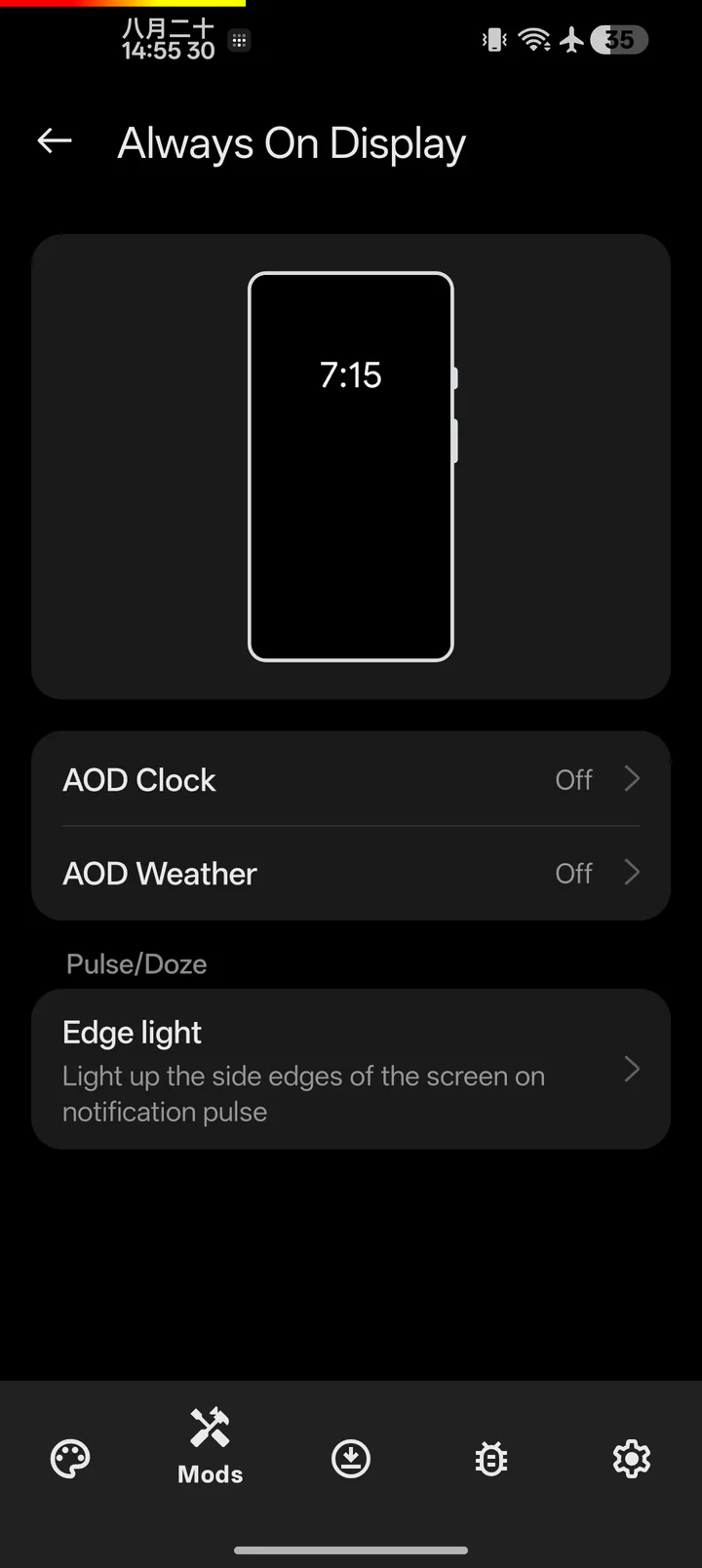
    Edge light

    Light up the screen edges when a notification arrives while the display sleeps, and pulse again until you read it.

    Quick Settings

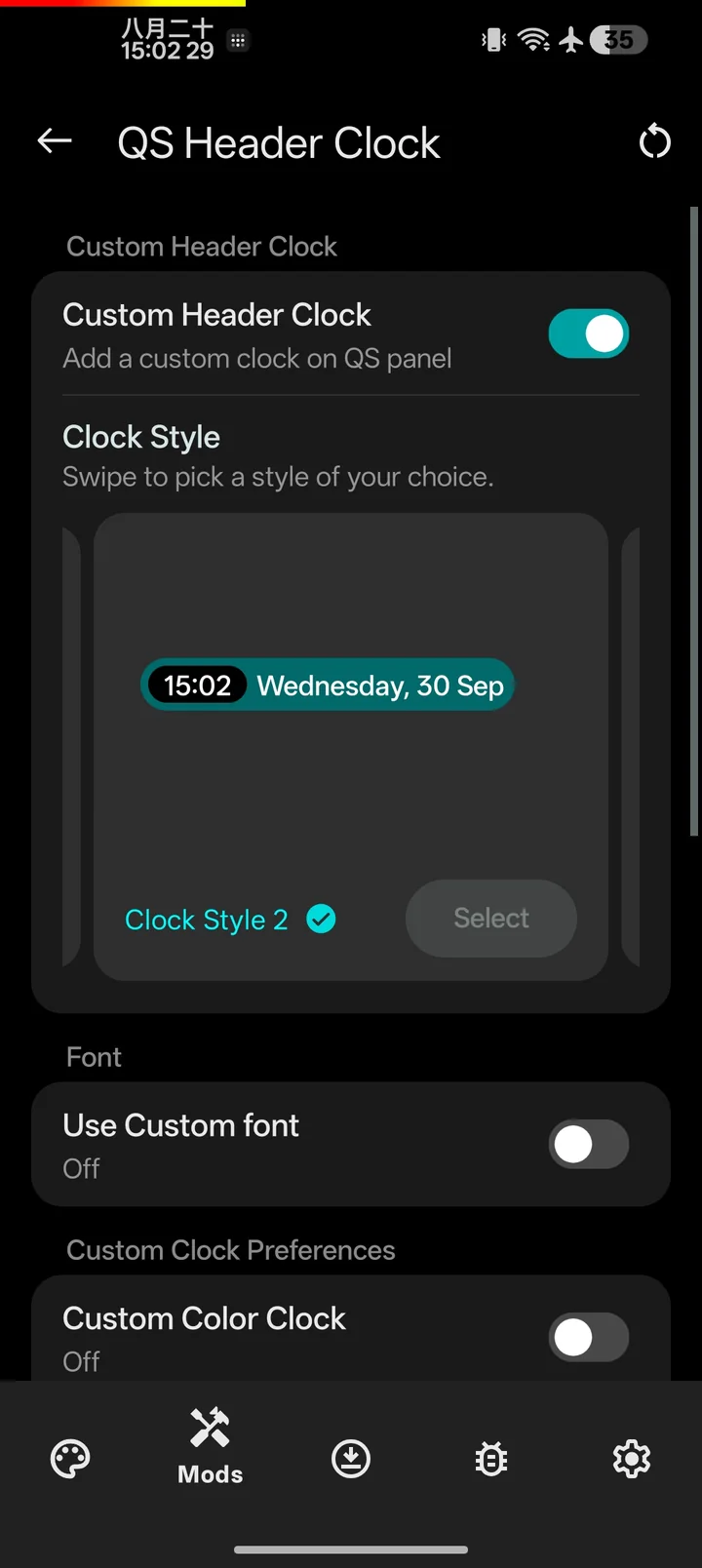
    Separate QS, laid out by you

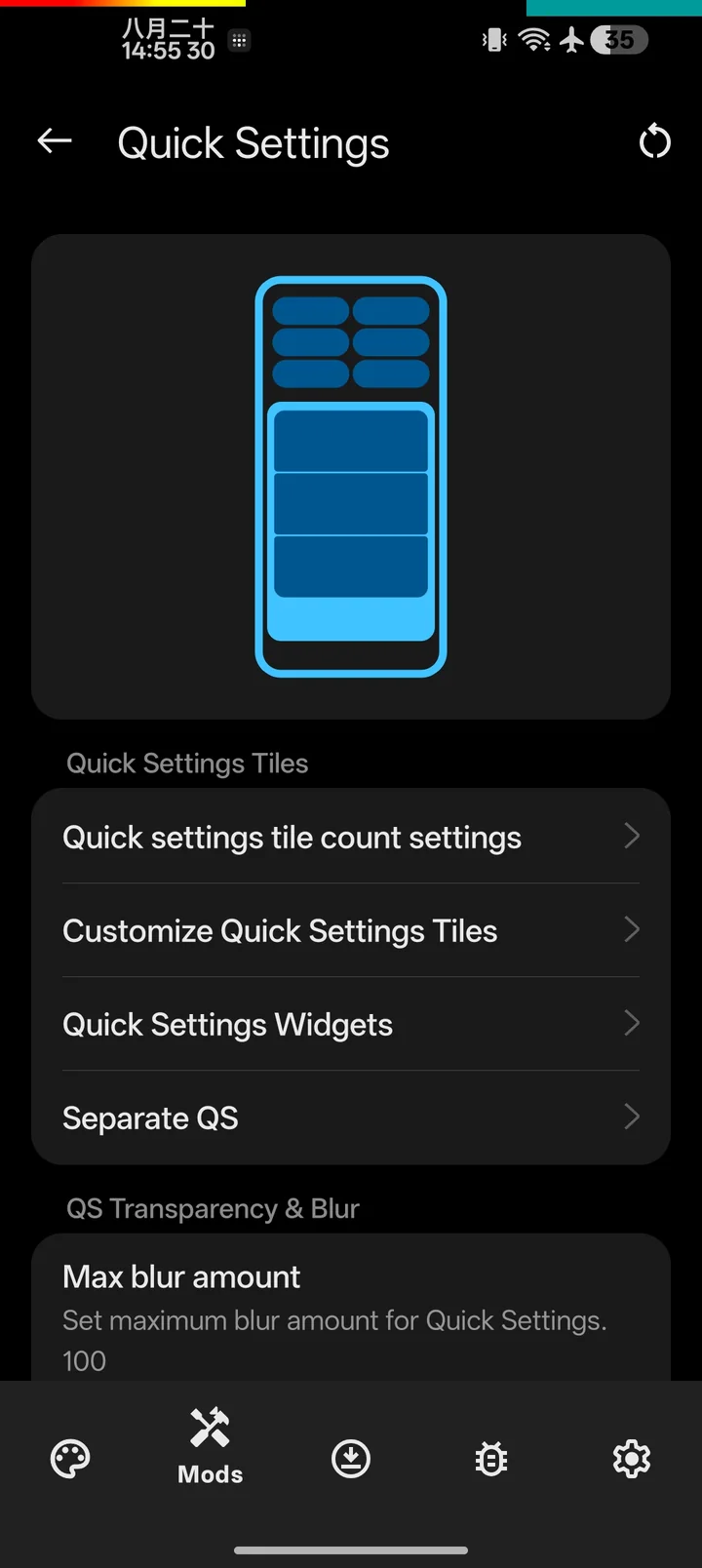
    Split Quick Settings from notifications, then place the media player, two highlight tiles and the brightness and volume sliders where you want them. Add widgets for weather, photos, media, Wallet or Home controls.

    Buttons and gestures

    A Plus Key that does what you want

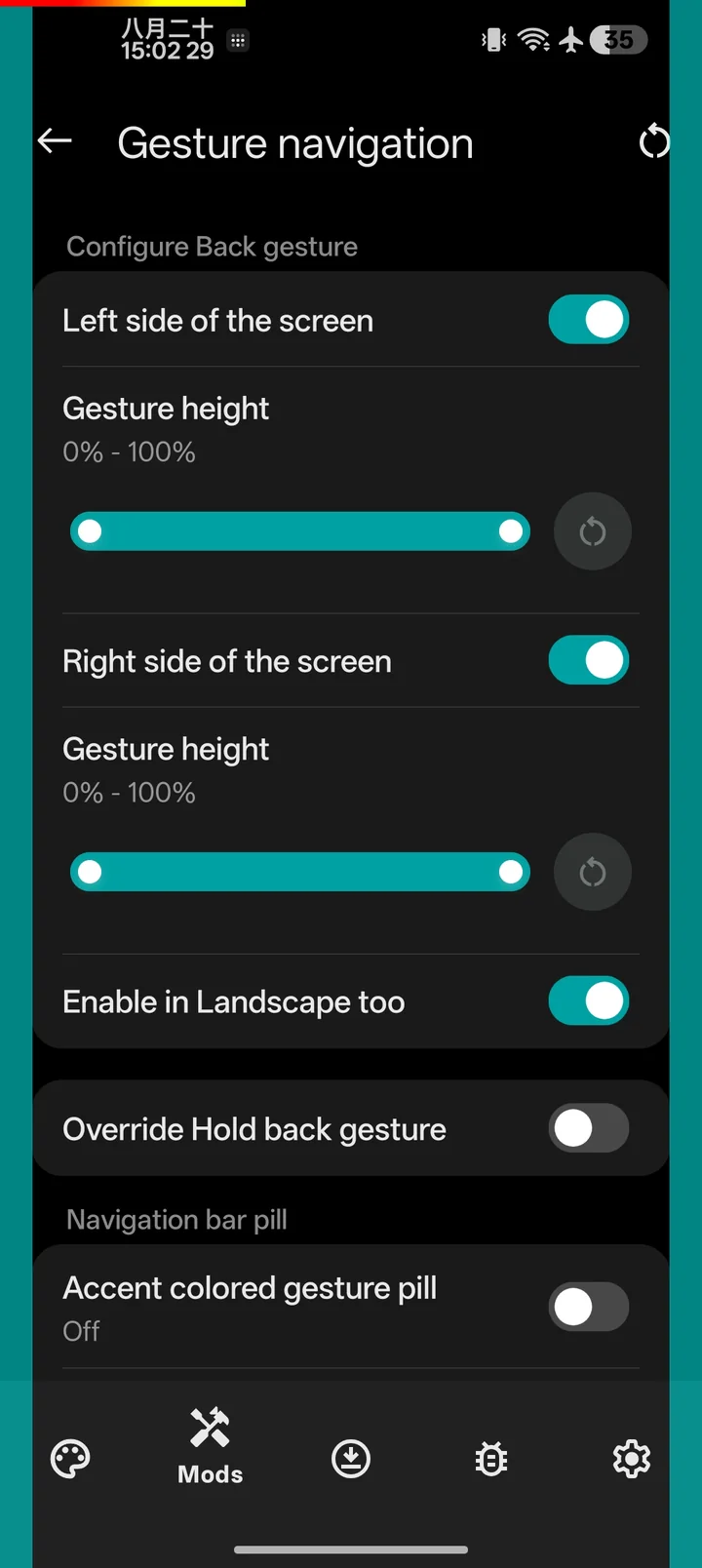
    Give the Plus Key its own action for single, double, triple and long press, with a separate set while the screen is off. Hold the gesture bar for Circle to Search, add swipe-up shortcuts to the bottom corners, and use the volume keys to wake the phone, skip tracks or toggle the torch.

    OnePlus Launcher

    Shelf, themed icons, real grids

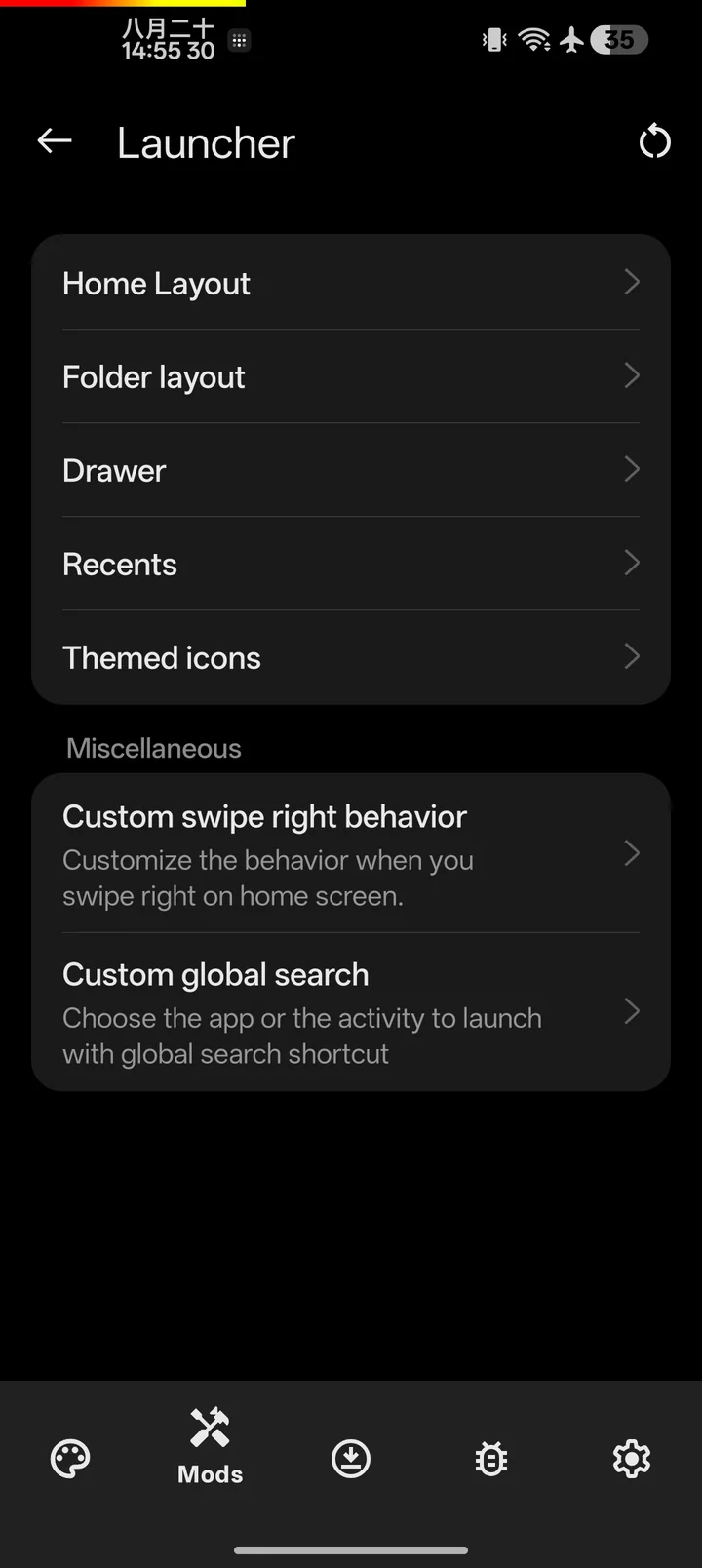
    Swap Discover for Shelf, force themed icons on home, drawer, folders, search and the taskbar, and set your own grid for each.

    Display

    Pixelworks and Pocket Studio

    Turn on MEMC and SDR to HDR for the apps and activities you pick, force-enable Pocket Studio and apply App Lag Fix to single apps.

    Music

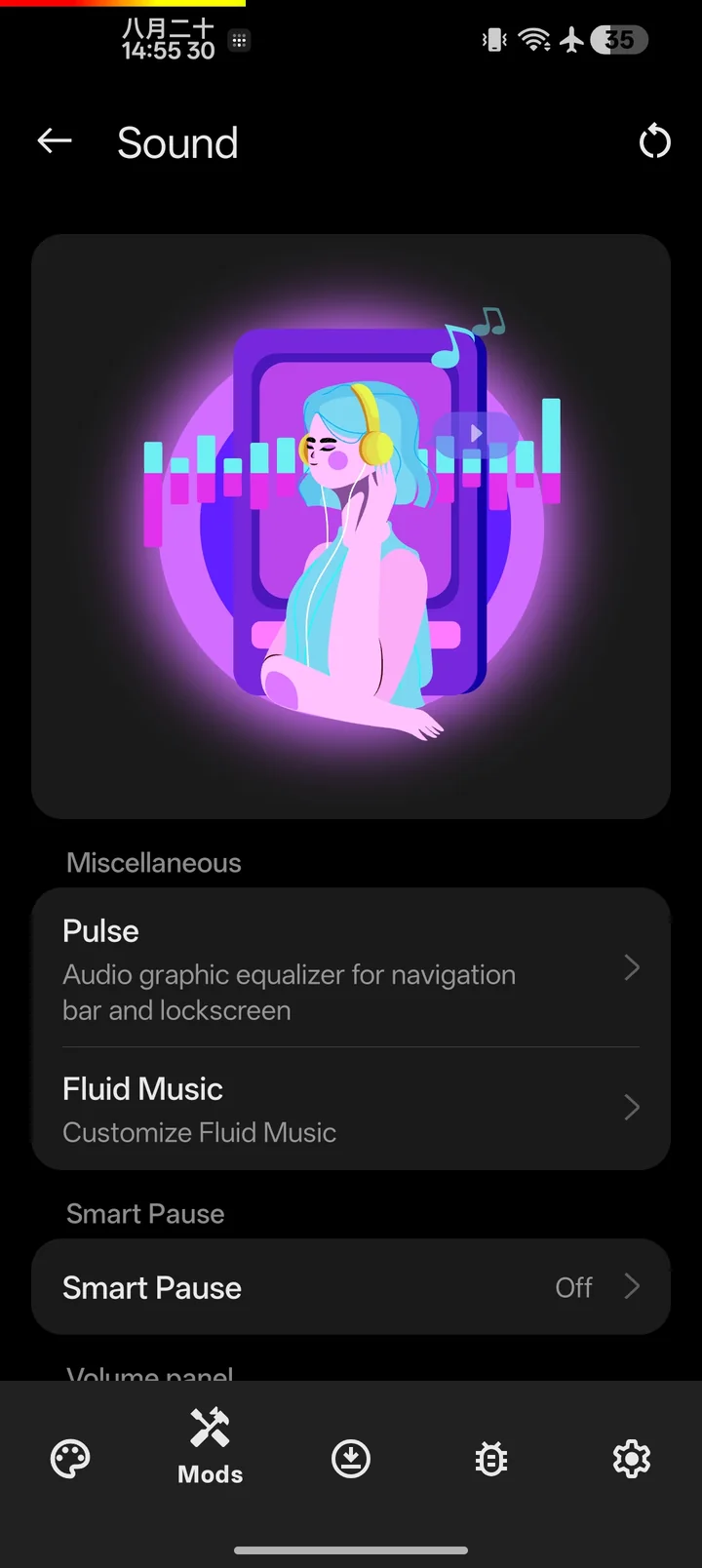
    Smart Pause and Fluid Music

    Pause playback when you mute and resume it if you turn the sound back on in time. Choose which apps get Fluid Music, and run the Pulse visualizer on the navbar, lockscreen or AOD.

    And the small things

    Red One clock
    Recolor or turn off the red 1 in the OnePlus clock, on the lockscreen and in Quick Settings.
    Statusbar logo
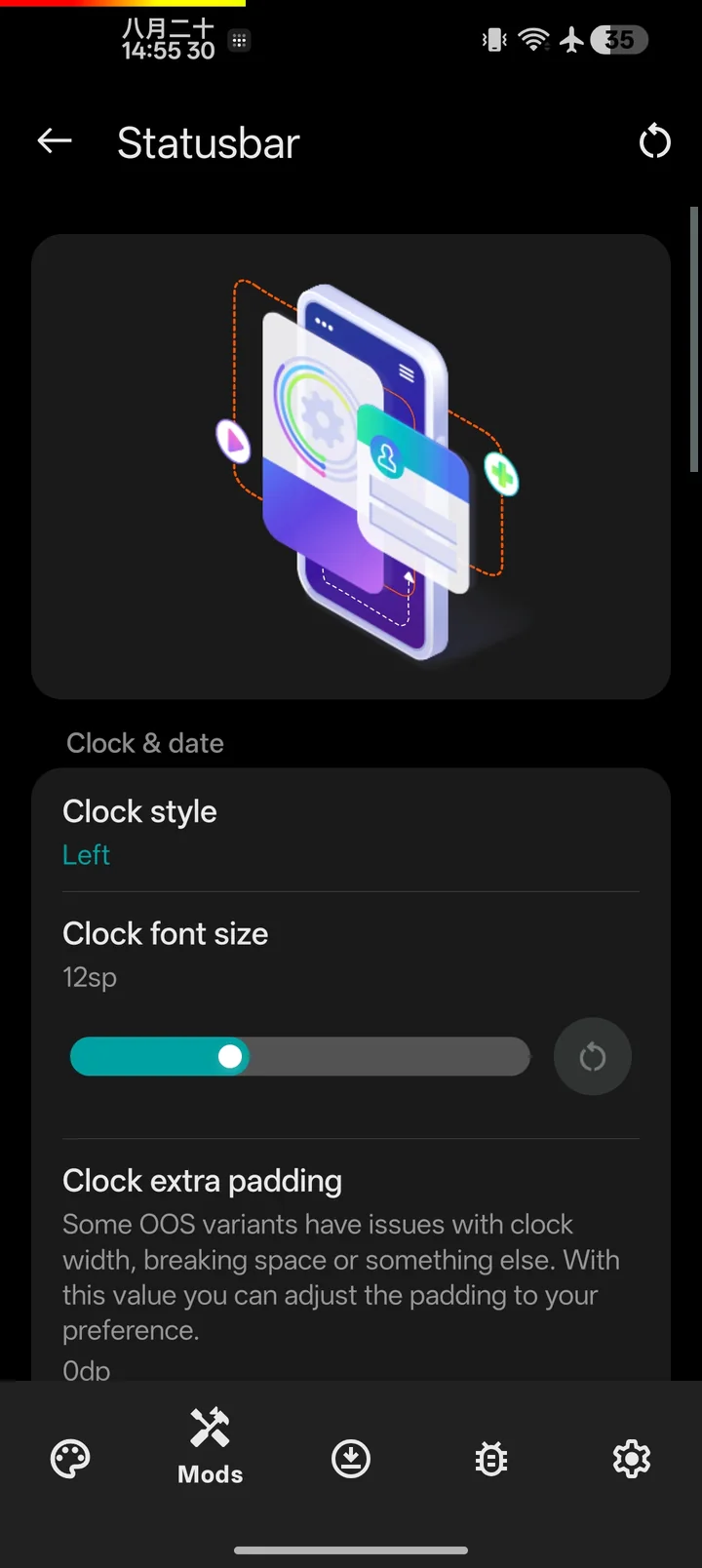
    Put one of 33 logos, or your own image, next to the clock.
    Fingerprint icon
    Pick from 60 presets or use your own image, scaled to fit the sensor.
    Sleep on flat
    Turn the screen off when the phone lies face up, unless an app is keeping it awake.
    Quieter shade
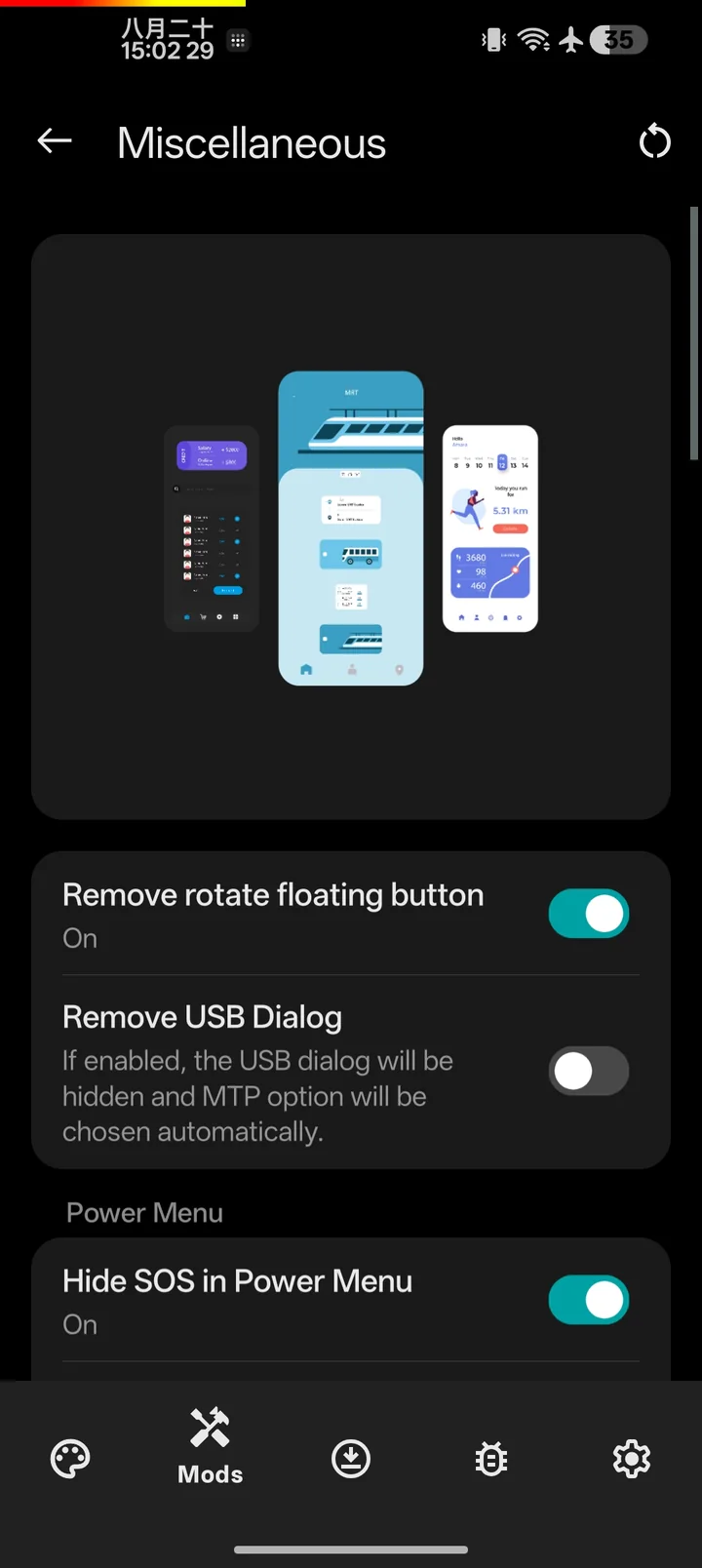
    Hide the charging, developer mode, flashlight and low battery notifications.
    Advanced reboot
    Restart to recovery, bootloader or safe mode, behind a fingerprint or face check.
    OTA card image
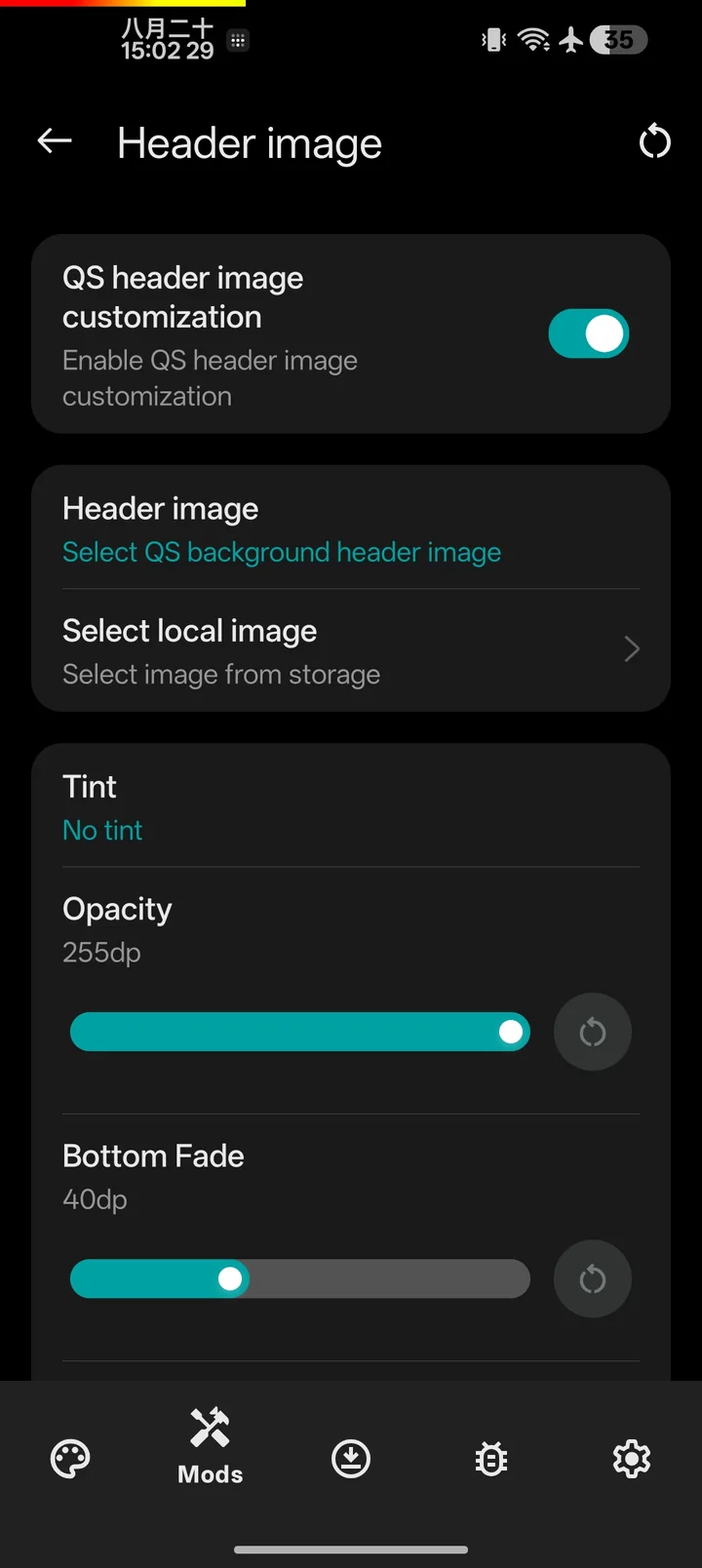
    Replace the picture on the system update screen with your own.
    Backup and restore
    Export every setting to one file and bring it back after a clean flash.

    Looks like it shipped with the phone.

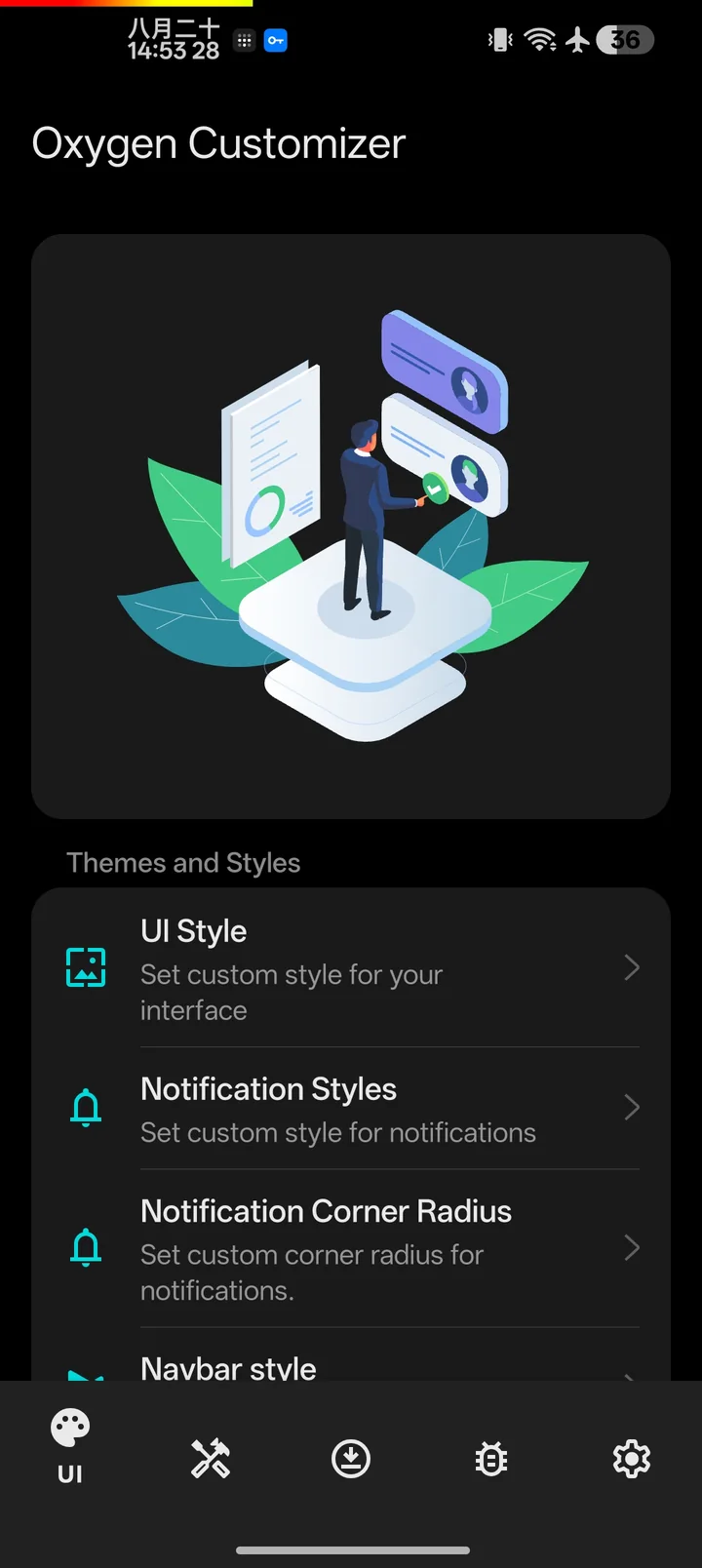
    The app follows the OxygenOS settings layout, so every option sits where you expect it. Pure black on AMOLED, one accent color, nothing extra.

    Set up in five steps.

    You need root through Magisk, KernelSU or APatch, plus an LSPosed build that matches your OxygenOS version. Other root or hook methods will not work.

    Stable

    OxygenOS 13 and 14

    Tested releases for older ROMs. Updates less often.

    Latest stable

    Beta

    OxygenOS 15 and 16

    Newer features and fixes. The minimum for ROMs based on OxygenOS 15.

    All releases

    Nightly

    Every push to the repo

    What lands in the next beta, built automatically. Try it before reporting a bug.

    Nightly builds
    1. Install LSPosed for your OxygenOS version, then download and install Oxygen Customizer.
    2. Enable the Oxygen Customizer module in the LSPosed manager.
    3. Open the app and grant root access when Magisk asks.
    4. Follow the setup screens and wait while it builds a module for your exact ROM.
    5. Reboot when prompted. Your changes apply from the next boot.

    Which LSPosed to use

    OxygenOS Works with
    14 Any LSPosed build
    15 LSPosed IT, LSPosed Irena 7280+ with Zygisk Next 534+, or ReLSPosed 7200+ with ReZygisk CI
    16 LSPosed IT, LSPosed Irena 7280+ with Zygisk Next 534+, or ReLSPosed 7200+ with ReZygisk CI

    On OxygenOS 15 .850 or later, bug reports from any other LSPosed build are closed. Download modules only from their official pages.

    KernelSU 3.0 and meta modules

    KernelSU 3.0 no longer mounts modules by itself. Install Mountify (recommended), Magic Mount or Hybrid Mount. Magic Mount needs no setup. For Mountify, open its web UI and set:

    mountify_mount = 2
    mount_device_name = KSU
    mountify_custom_umount = 2

    Use mountify_custom_umount = 1 with susfs older than 2.0.0. Reboot, then install Oxygen Customizer.

    Before you ask in the group.

    Does it need root?

    Yes. Oxygen Customizer hooks System UI through LSPosed and installs a small module, so it needs Magisk, KernelSU or APatch.

    Which phones and ROMs does it support?

    It targets OxygenOS 13 to 16 and ROMs based on it. ColorOS and realme UI share most of the code and mostly work, but they are not guaranteed.

    My phone bootloops after installing. What now?

    Boot into Safe Mode and remove the module. On KernelSU and its forks, follow the rescue guide.

    Can I use it with other customization apps?

    Yes, but two apps changing the same part of the UI can conflict. If something looks wrong, turn off the overlapping option in one of them.

    What is the difference between release and nightly builds?

    Release builds are optimized for everyday use. Nightly builds come from every commit and include the newest fixes along with extra logging for debugging.

    How do I report a bug or ask for a feature?

    Update to the latest nightly first. Then open an issue with the Bug Report or Feature Request template and include your ROM, LSPosed build, steps to reproduce and logs.